


 2.2k
2.2k19 Comments
Next up
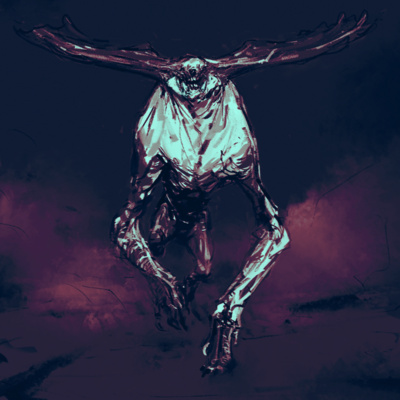
Creature Creator: Drag and Drop (WIP)
Tap existing part to bring up “TOOLS” Tab!
I would love to see your feedback and creations in the comments. Regular Updates!
#creature #monsters #creative #tools #build #design #spore #editor #create

Tips and Controls:
1. Tap the “Pointer Finger” to turn on the “select tool”
2. Select an object by tapping it. That will allow you to start using other tools to modify that selected part.
3. “Deselect” with the red X. This is good to use after scaling, rotating, or if selections are behaving weird.
4. Layers: You will typically grab the part that is in the front layer. To change the layer use Front/Back in the bottom right corner.
5. Screenshot/share: there is no save feature yet, but there is the snapshot option (camera icon) or you can screenshot from your device. Share you creation snapshot in the comments!
6. If you have trouble, leave a comment and I will get back to you when I am able.
Reply

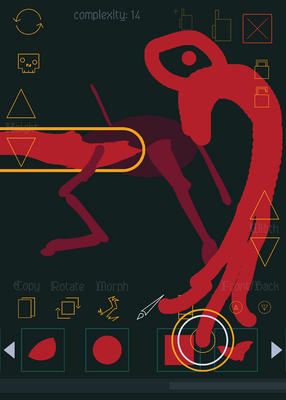
Cthulhu
 1Reply
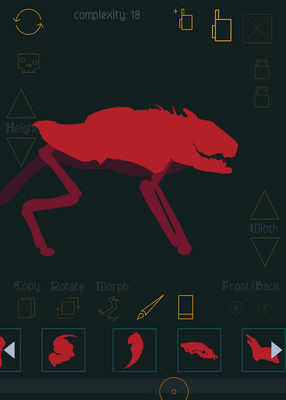
Feliz Fecrocicus
 1Reply
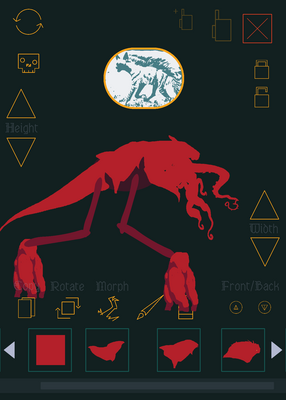
I'm going to get a job in:)
 1Reply
Goosigma Fang: Gorfly Goobler
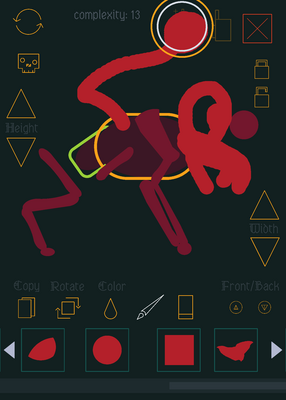 1Reply
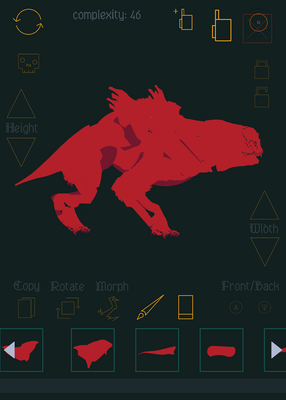
Blockin a rough silhouette with the brush tool then refine by cutting away with simple shapes using the background color.
Basic shapes have alternate colors.
 1Reply